
Here are the steps to take your first time using DetailsPro to get started quickly.
If you haven't already, install DetailsPro.
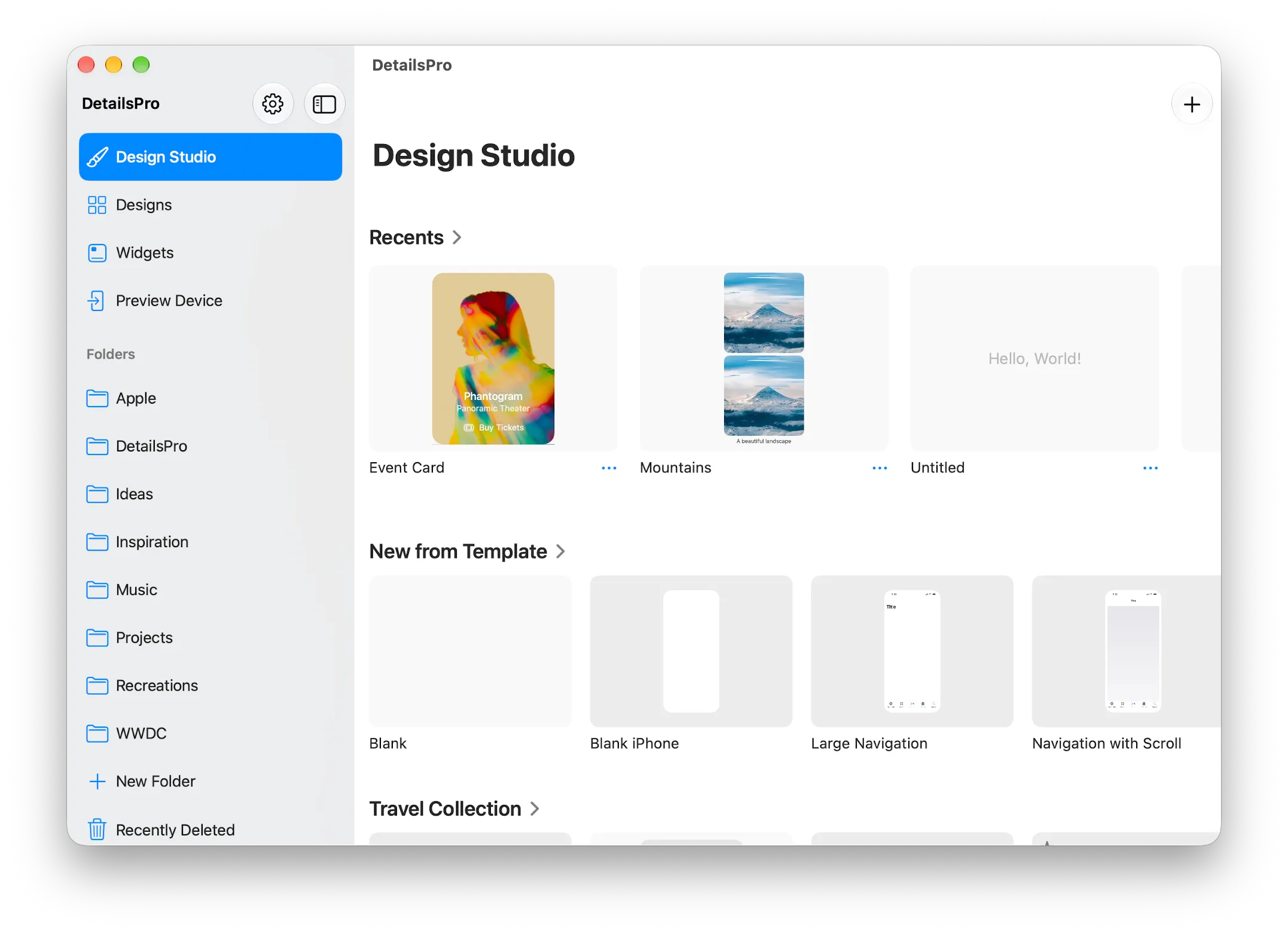
1. Create a new file
Tap the + button on the home view to create a new file. The new design will open automatically.
2. Choose a template
Tap Start with Template to browse designs that you can use as a starting point. Tap on any template to use it and you'll return to the design editor.
3. Add your own elements
On the left side, you'll see the Outline. Here, you can tap on the + rows to add new elements into your design. Or, tap on any existing element to edit it or delete it.
4. That's it!
Now you're designing. Your new file is ready for you to add and edit elements to create your design.
Now, we recommend exploring the docs for more features and capabilities you can take advantage of while you design.