
There are two ways to create a new file in DetailsPro: by creating a new blank file or by starting with a template.
Creating a blank file
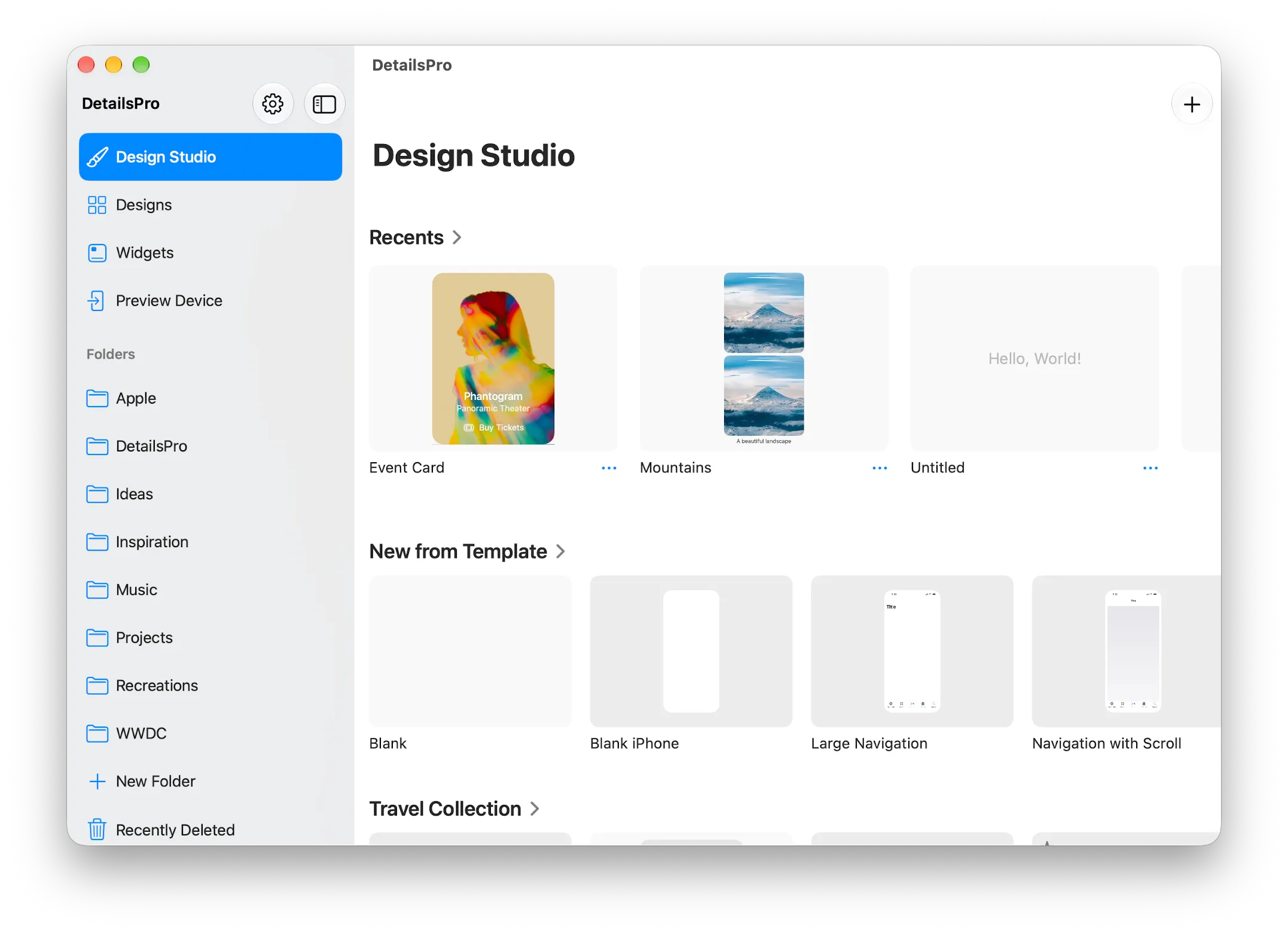
A new blank file can be created from the Design Studio tab by using the + button. Files can also be created this way inside any folder.
If you create a new blank file from the Widgets tab, it is automatically created with several blank widget sizes in the file already.
Why create a blank file?
We encourage starting from a blank file because you'll build up your understanding of SwiftUI and ability to put designs together much faster after some practice. Templates are great, and can be customized freely, but DetailsPro is meant to be ready to go in a moment of inspiration. You don't want to be bogged down by having to find the right template and removing the parts you don't want before you get to bringing your idea to life.
Starting with a template
The Design Studio tab offers shortcuts to templates that can be selected to create a new file. When you select a template, a new file is created as a copy of that template.
Within a file, you can also use a template at any time if your design is empty. A similar Start with Template button will appear on any design in a file that is empty.