
Designing with DetailsPro and SwiftUI is a little different than designing with freeform canvas tools. On a freeform canvas, you can drag anything anywhere. In DetailsPro, you can't drag anything around. Instead, you build your design up piece by piece by arranging things with stacks.
Stacks are a SwiftUI concept. The basics of stacks are simple: when you want something to go above something else, you use a Vertical Stack; when you want two things side-by-side, a Horizontal Stack; when you want two things layered right on top of each other, a Layered Stack.
All designs you'll make in DetailsPro will essentially be combinations of stacks.
Examples
Stacks are used for things as small as two labels you want to put together all the way up to things as big as a whole screen layout.
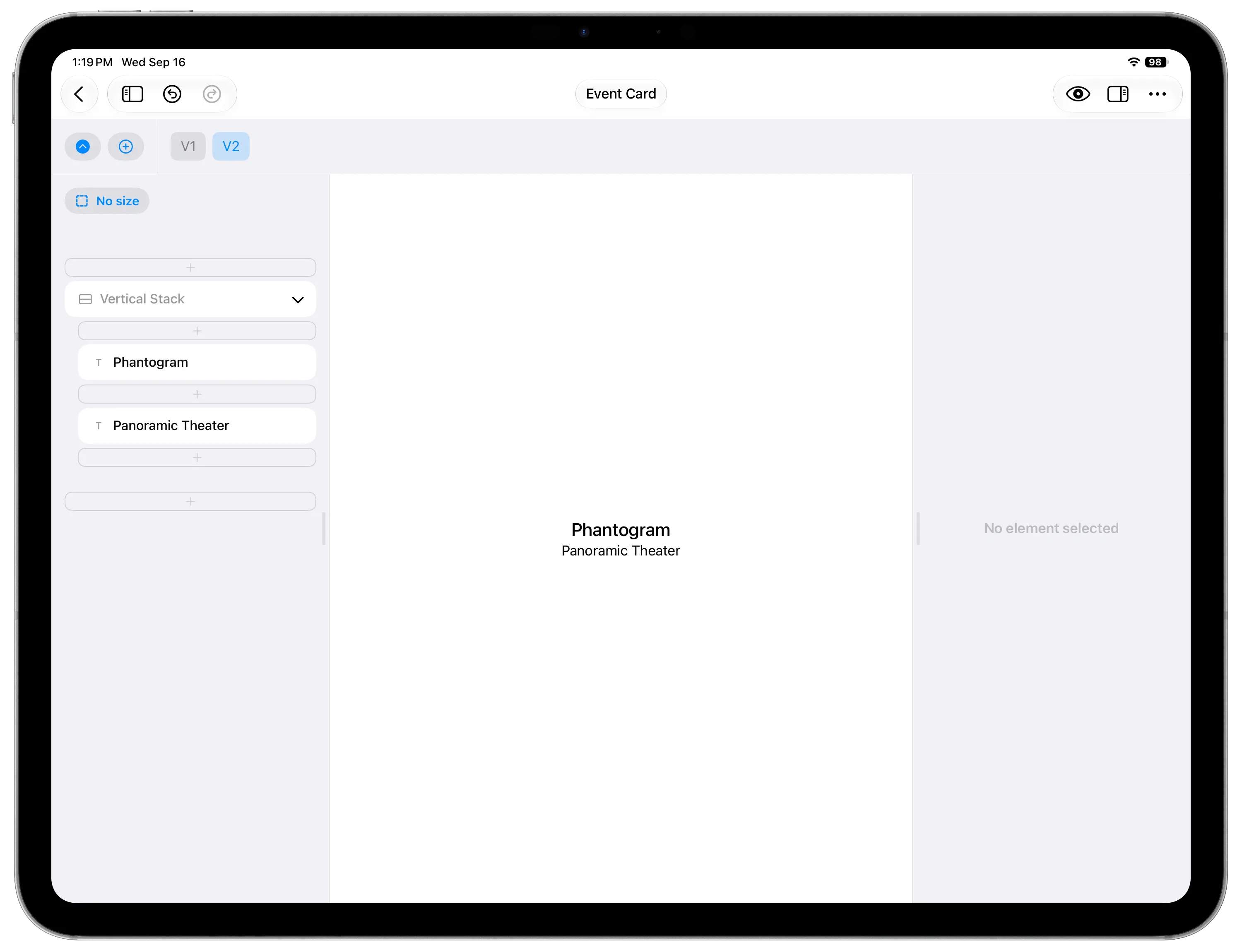
The most simple stacks might start by just arranging two elements.
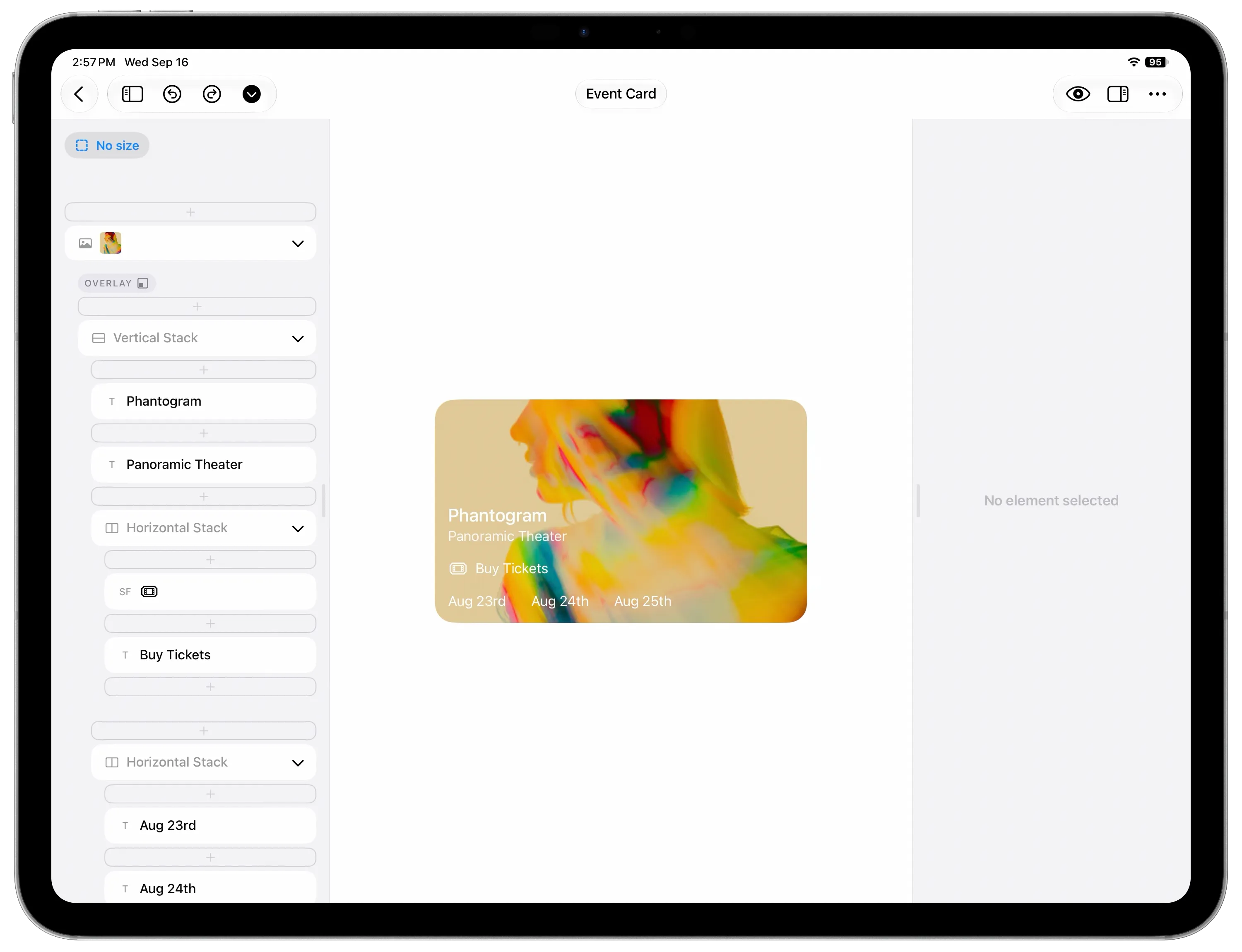
A complete design will often combine different kinds of stacks together, placing stacks within stacks.
Thinking in stacks
It can be helpful to think about designs with stacks in an inside out fashion, where you start by looking at the smallest individual piece in the somewhere in the center, note how it is arranged with the other elements around it, and build from there. In a canvas-based tool you might start a design from the top and work your way to the bottom. You can still do that in DetailsPro, but you might find it to be more helpful to start somewhere on the inside and build the design out "stack by stack."