 Sahand Nayebaziz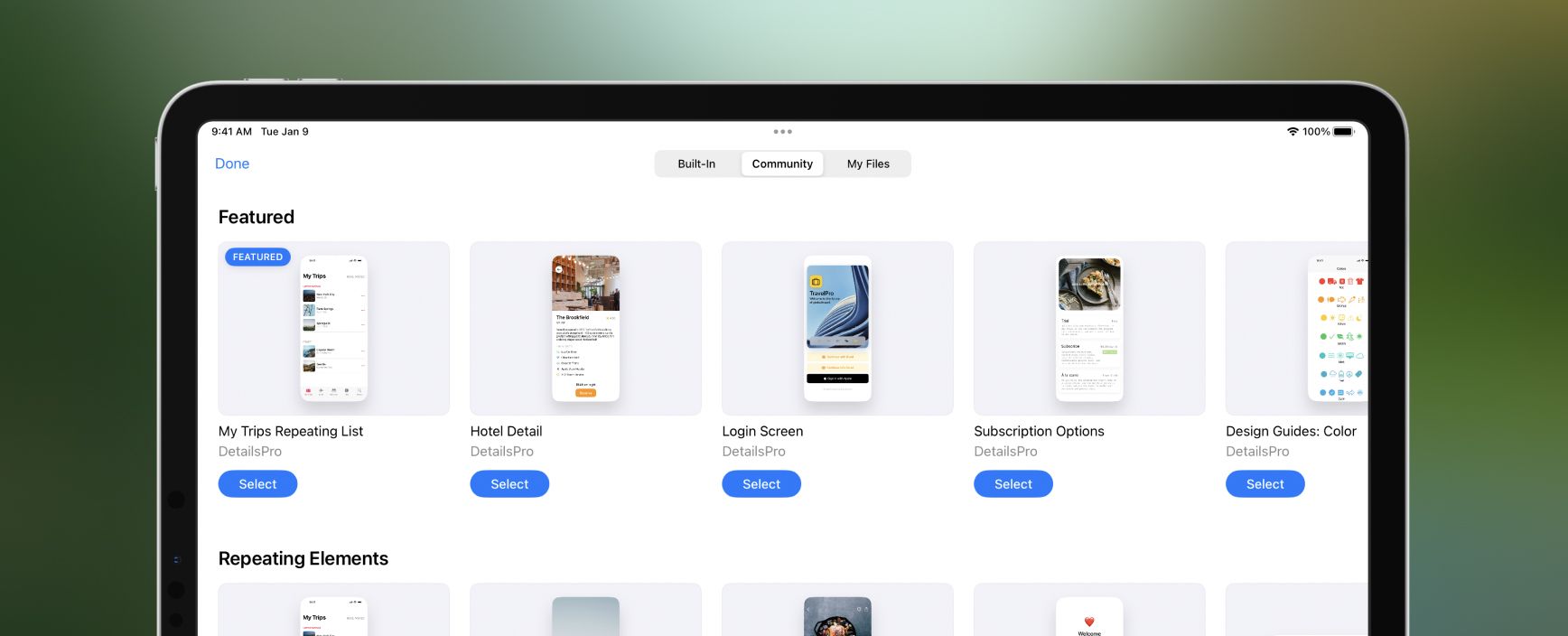
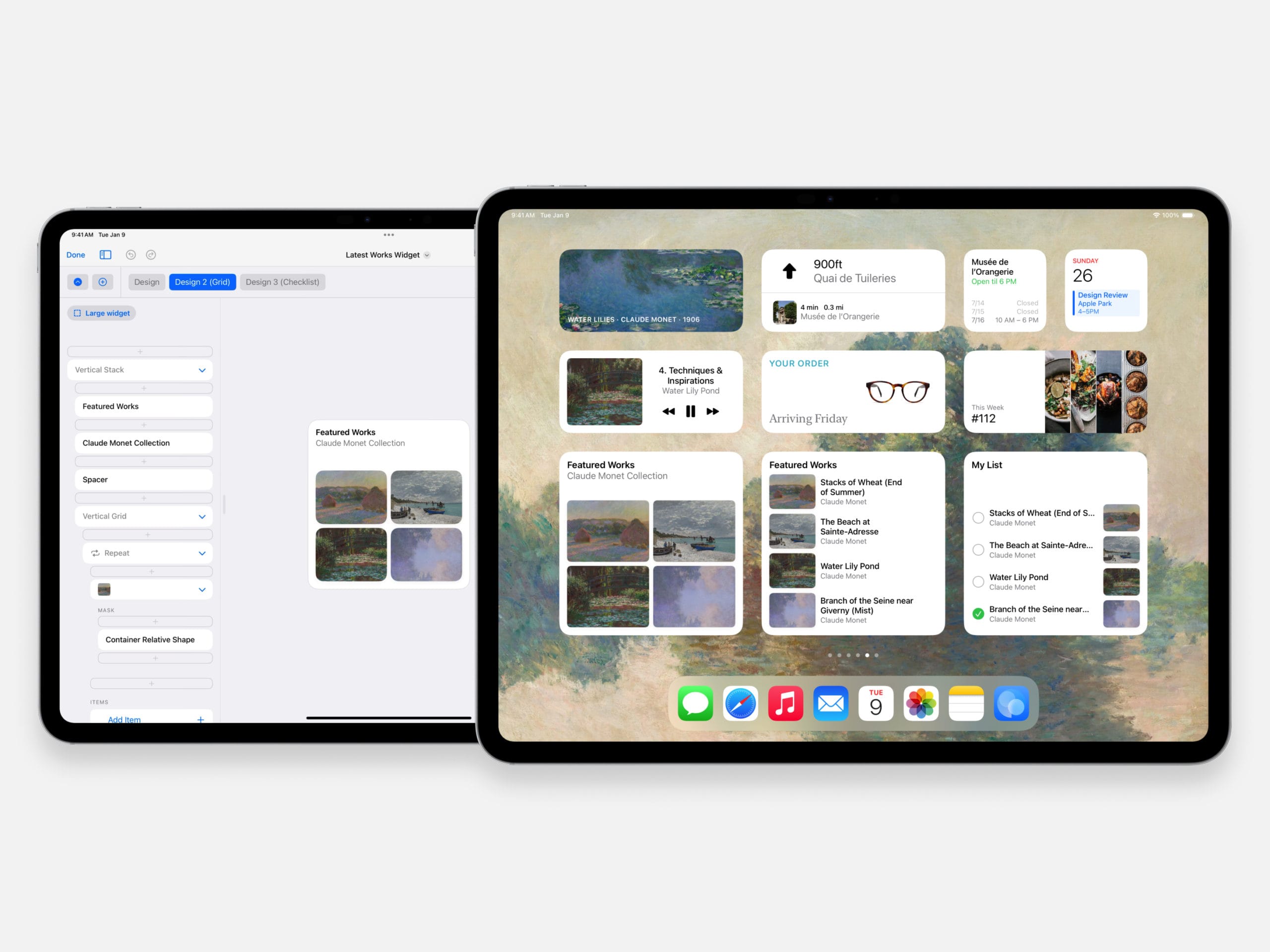
We expanded the Start with Template picker to include three total sections: Built-In, Community, and My Files.
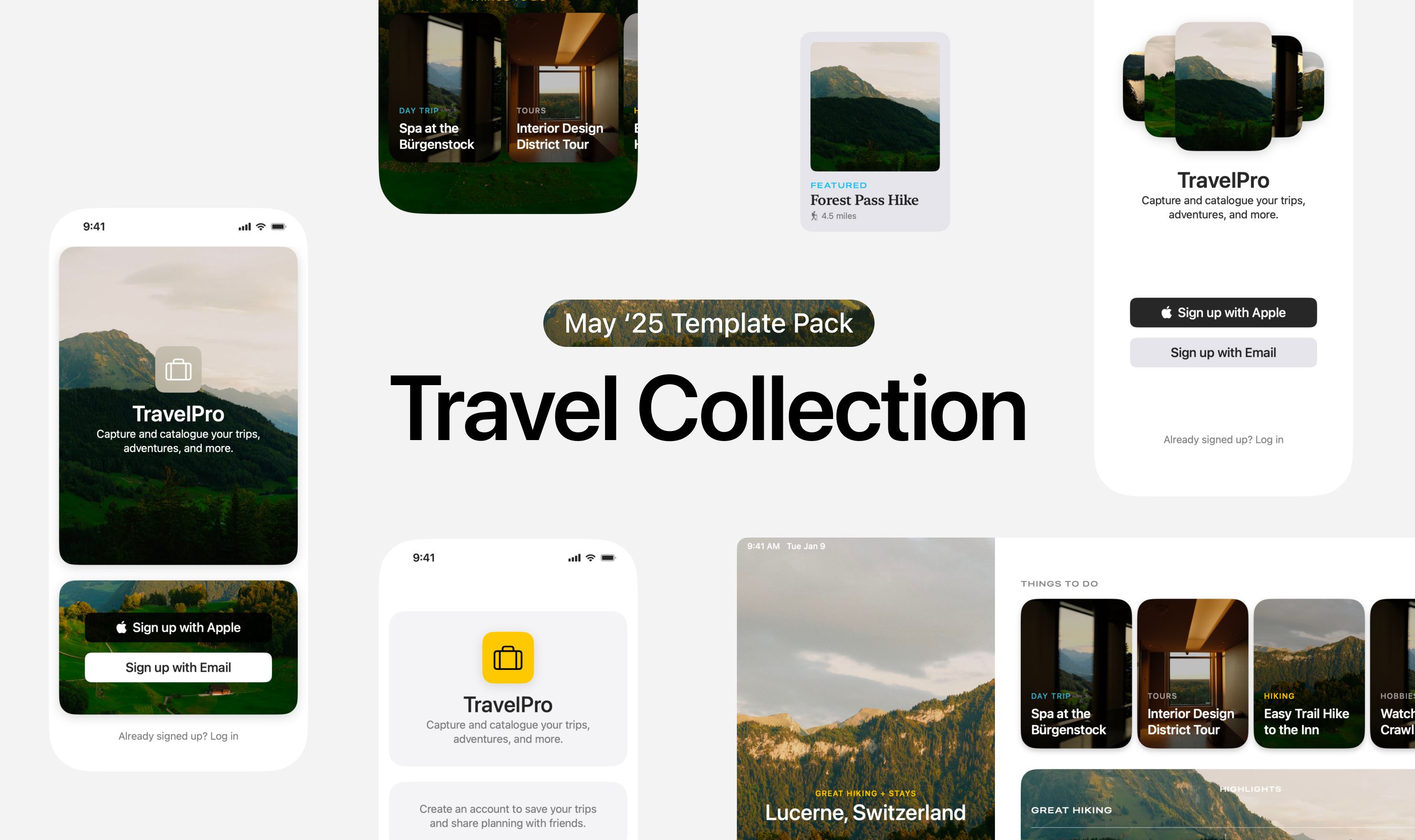
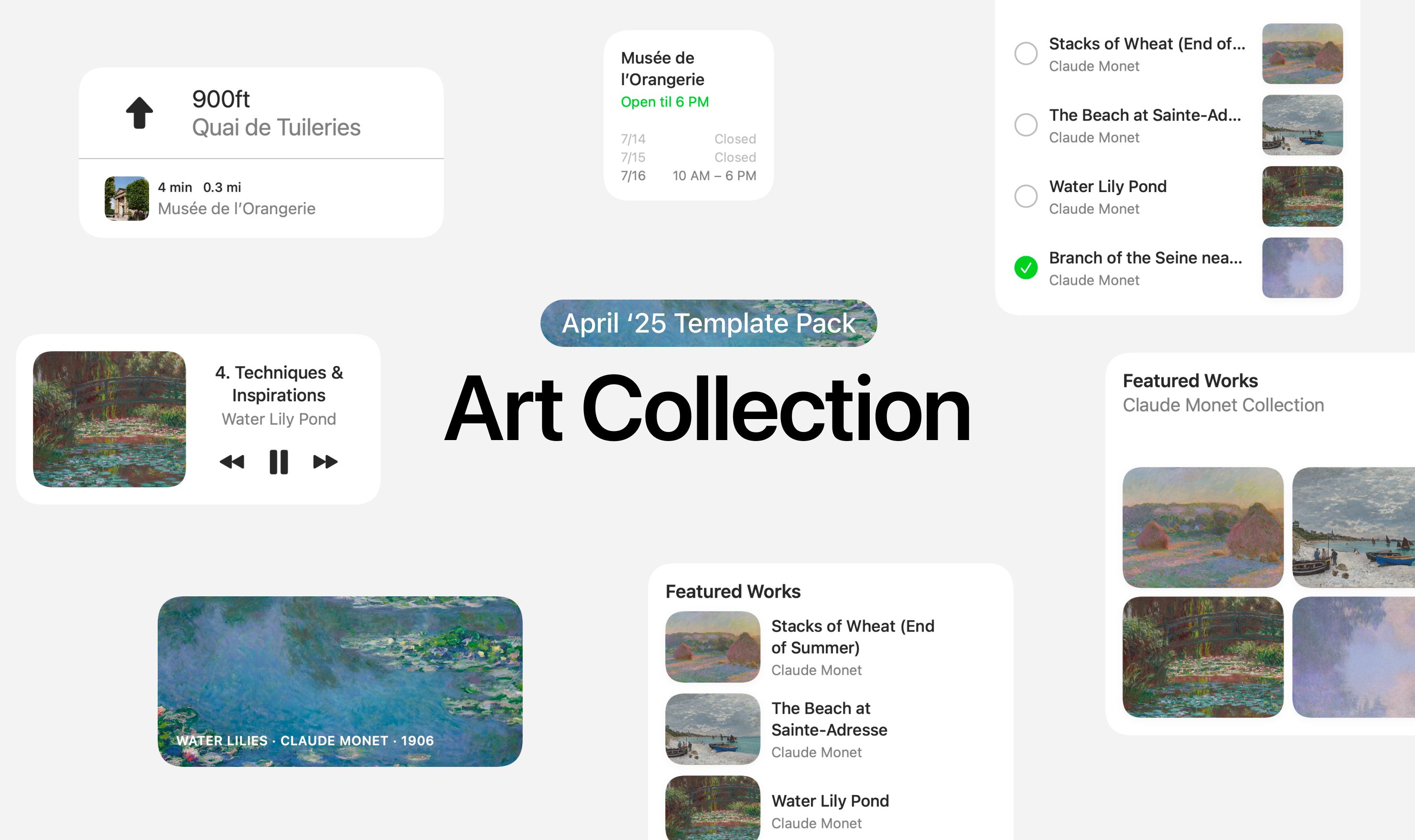
Built-In lets you pick any of the templates made and provided by DetailsPro; these are going to be made with best practices we’ve picked up while making DetailsPro itself with SwiftUI and will help you get a kickstart on designing with the Apple HIG.
Community lets you pick from a wide array of designs uploaded by people in the DetailsPro Community; these are updated all the time, so stay tuned for updates.
My Files lets you pick from any of your own files as a template, instantly duplicating that design into your new file and letting you use it to make something new. We got a lot of requests for this and we’ve been using this feature a lot ourselves.
Fixes and Improvements
- Aspect Ratio presets now automatically switch between portrait and landscape ratios based on your current selection for the modifier
- Fixed a bug that was causing Community files to sometimes not open on macOS
- Start with Template now opens up fullscreen to give you a better view of all the choices
- Opening the community also no longer opens up in a small sheet
- Any element placed into an Overlay, Background, or Mask now has a quick shortcut button at the top of the inspector for jumping back to the modifier, useful for changing the modifier’s Alignment property.