 Sahand Nayebaziz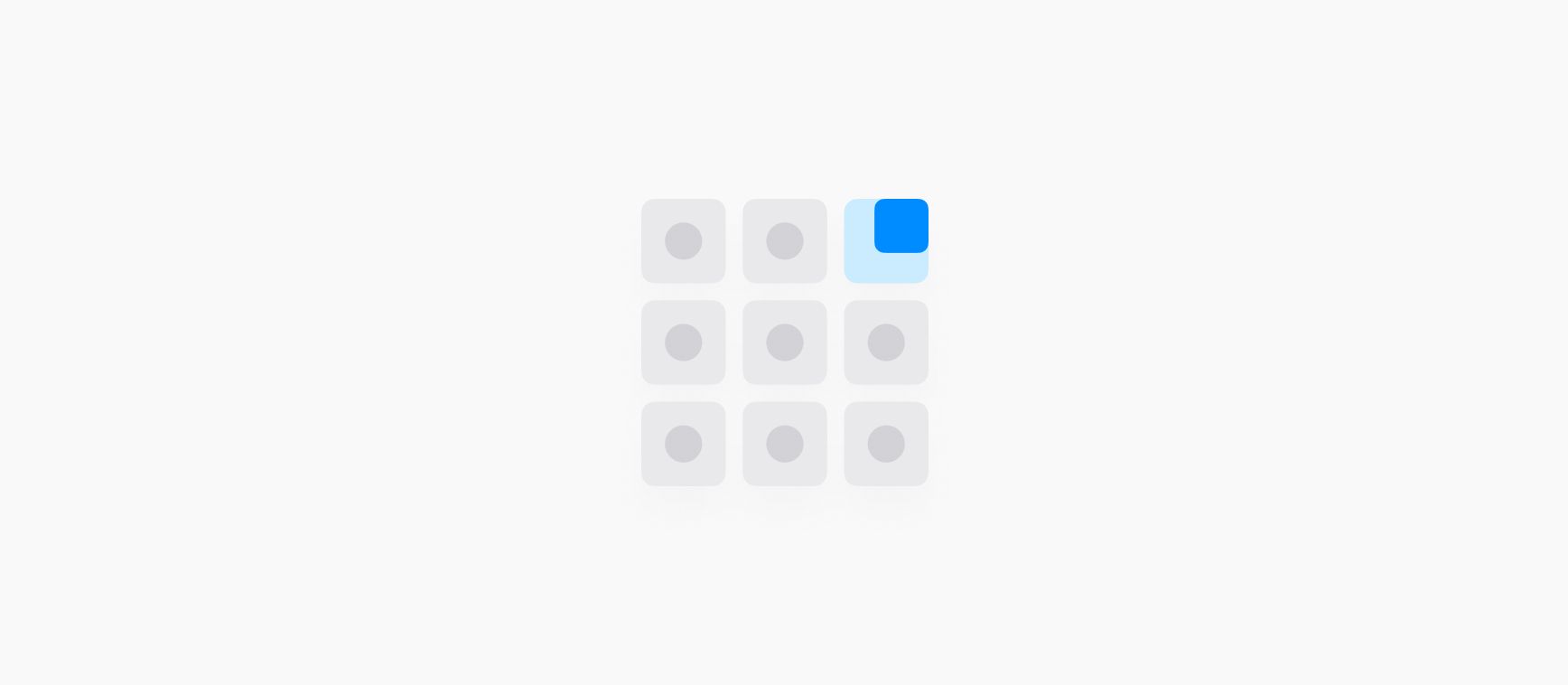
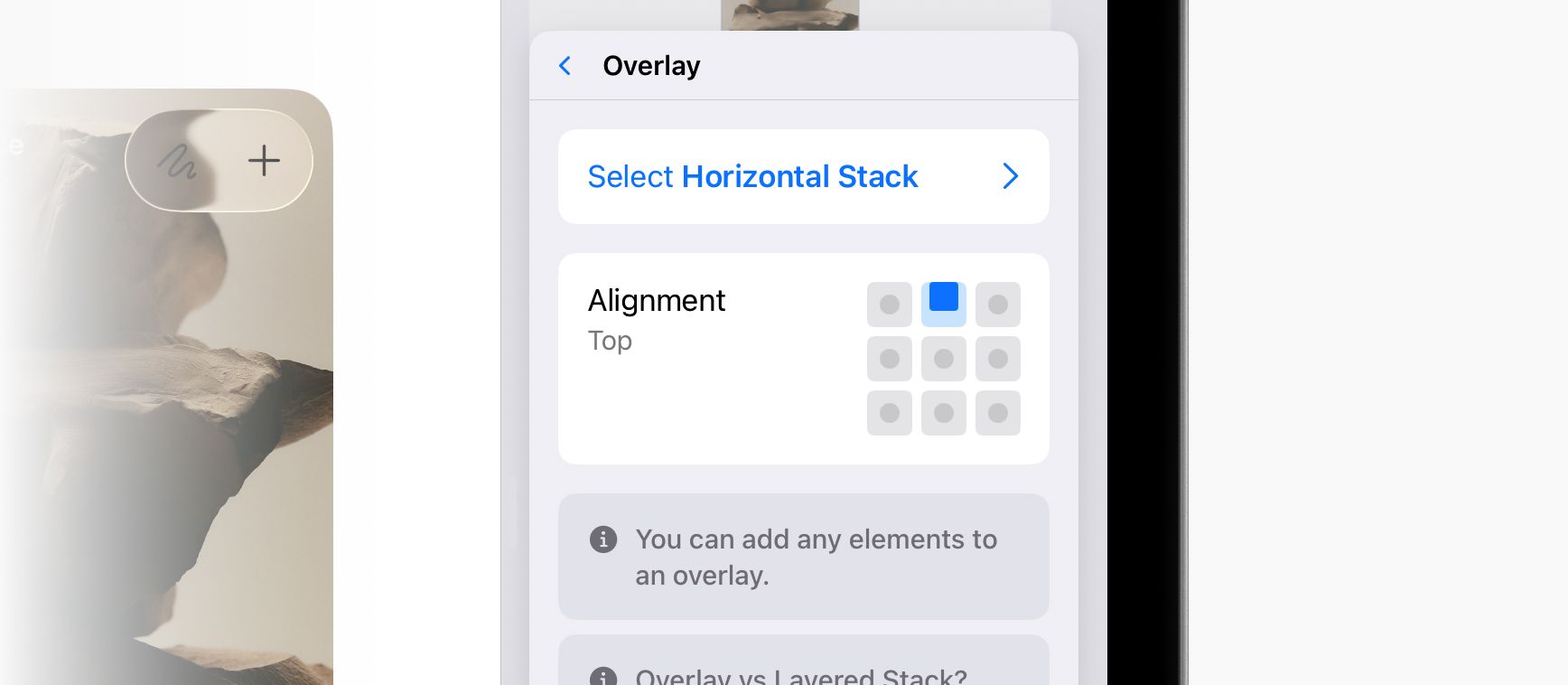
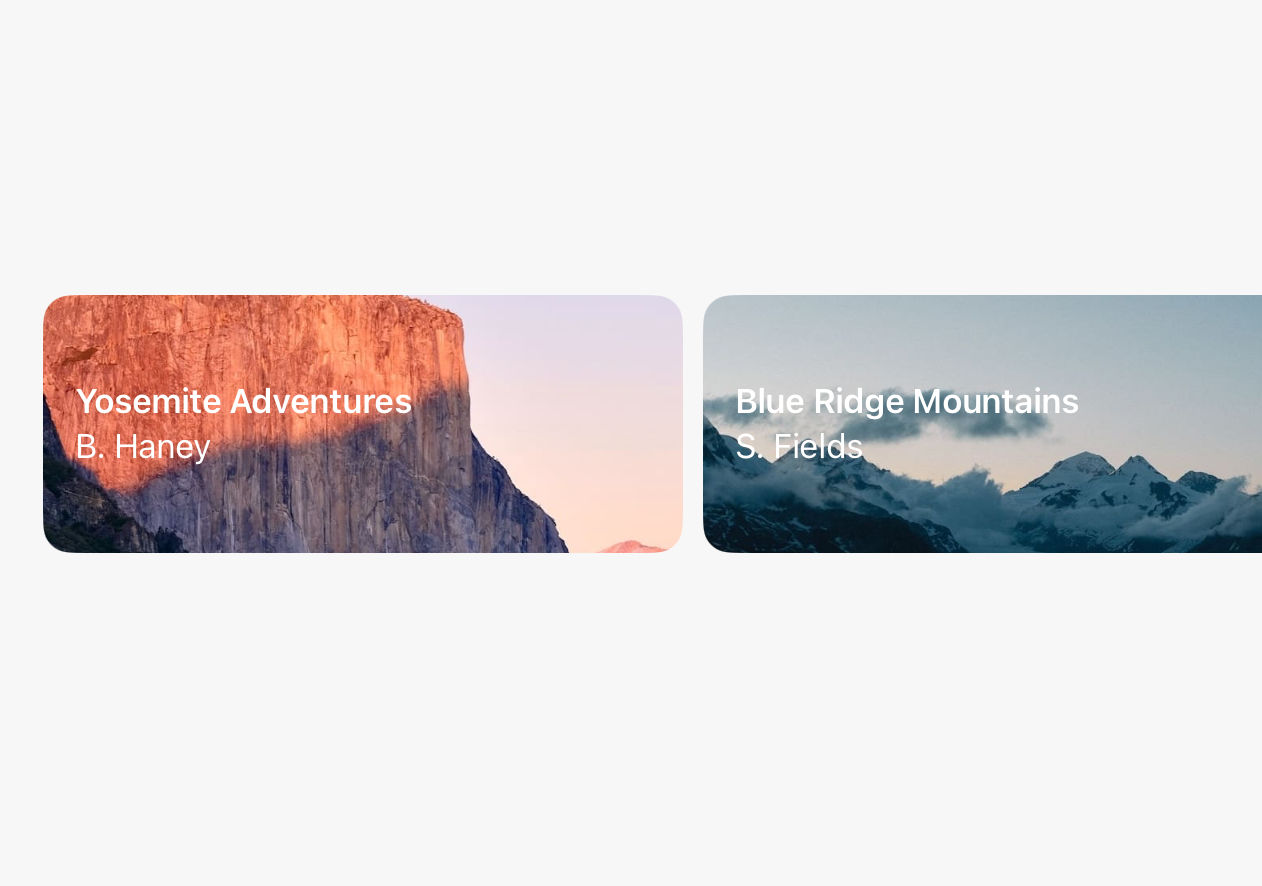
The editor has been updated with an improved UI everywhere you can pick an alignment (Layered Stacks, Overlays, modifiers like Rotation, and more) and everywhere you have layers (Overlays, Backgrounds, and Masks.)
Two big improvements were gained with this update:
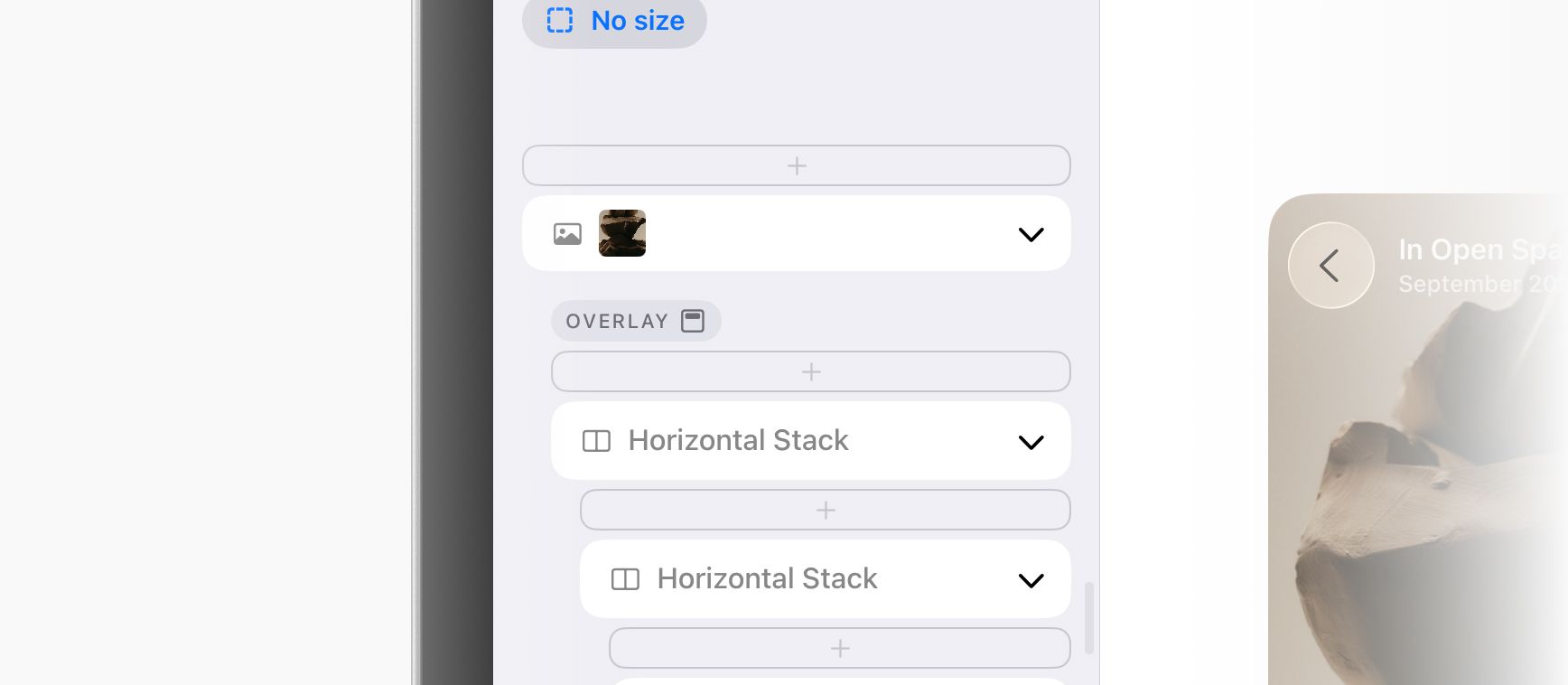
First, it's now so quick to pick the alignment of an Overlay. You can see the alignment immediately in the outline on the left side of the editor (with our new set of custom SF Symbols icons making this extra pretty, thank you SF Symbols app!) From there, you can tap to change the alignment. Before this was too long of a process that often led to hunting around trying to find which element had the modifier in the first place. As a fun bonus, we also added Duplicate and Delete buttons into this menu that have also been quite the boon.
Second, the alignment picker is also now more visual, localizable, and easy to use. Simply tap visually on the anchor point you want to align to. You'll see the selection indicator animate to the correct position. This is a big improvement over what we had before, which was a horizontal list that didn't tap into any intuitive or natural positioning that could be built up as muscle memory.