 Sahand Nayebaziz
I, like many of you, still have my head spinning from all that was announced at WWDC26. There’s new concepts to dive into, possibilities to daydream about, and nuts and bolts to tighten.
This post outlines what I currently view as the plan for DetailsPro on iOS 27, iPadOS 27, macOS 27, and visionOS 27.
New Templates
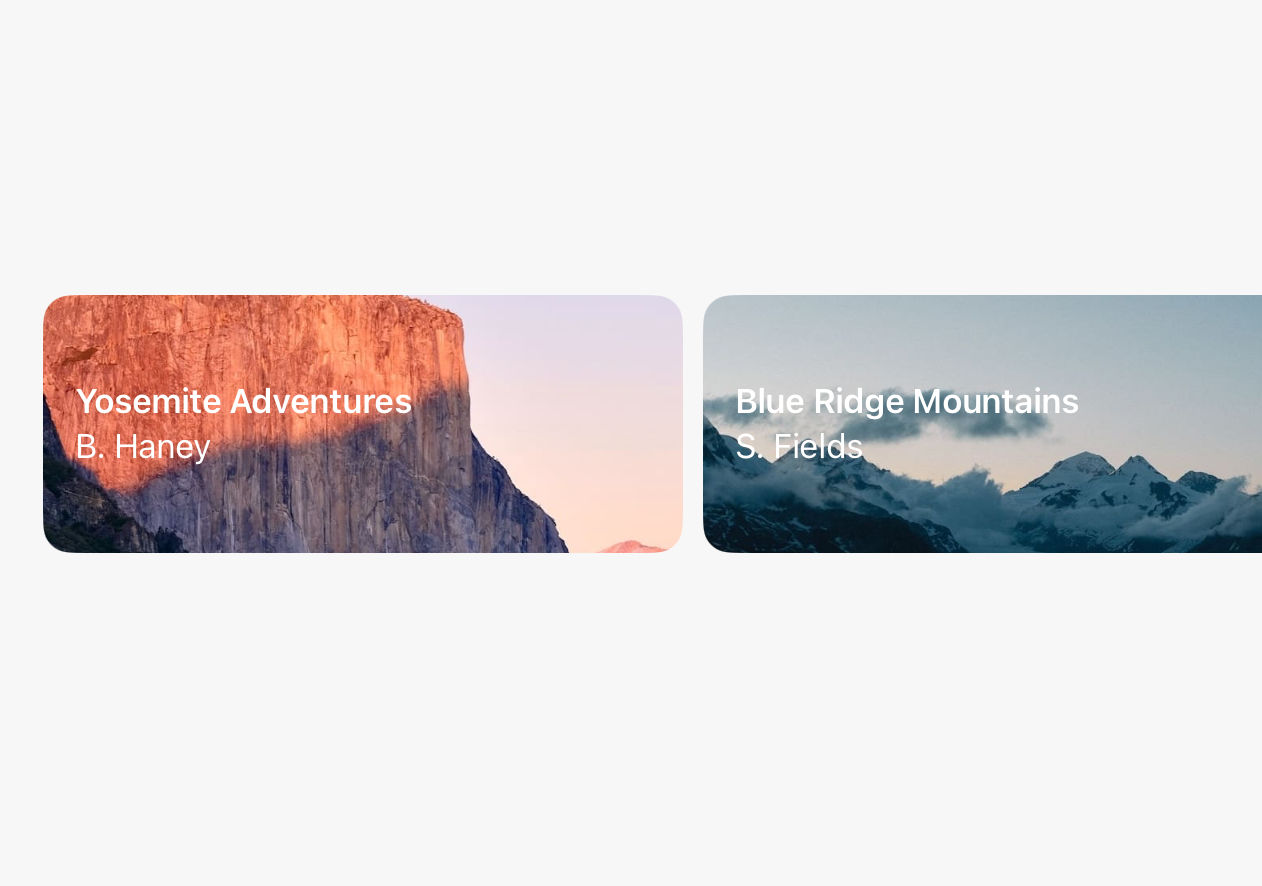
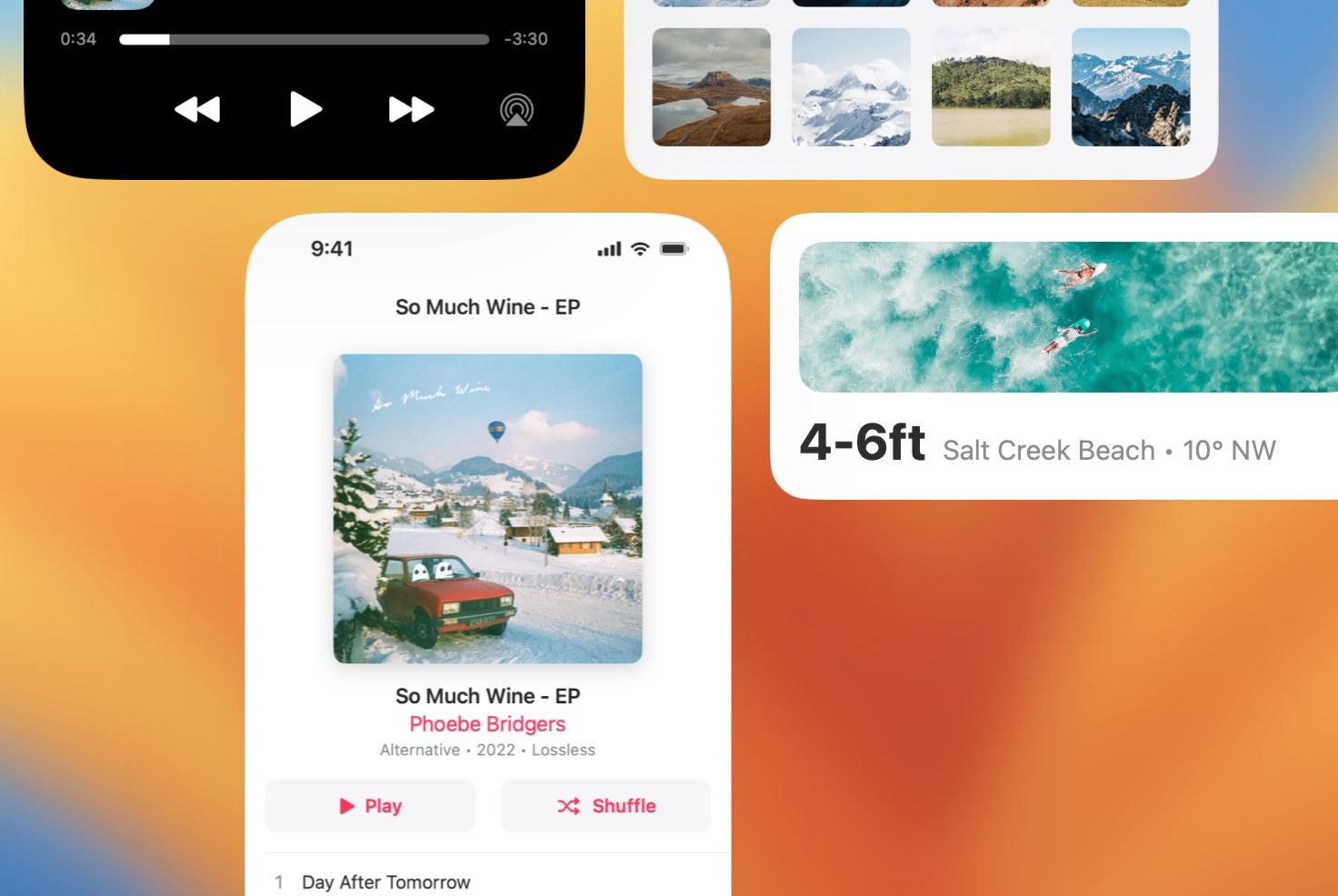
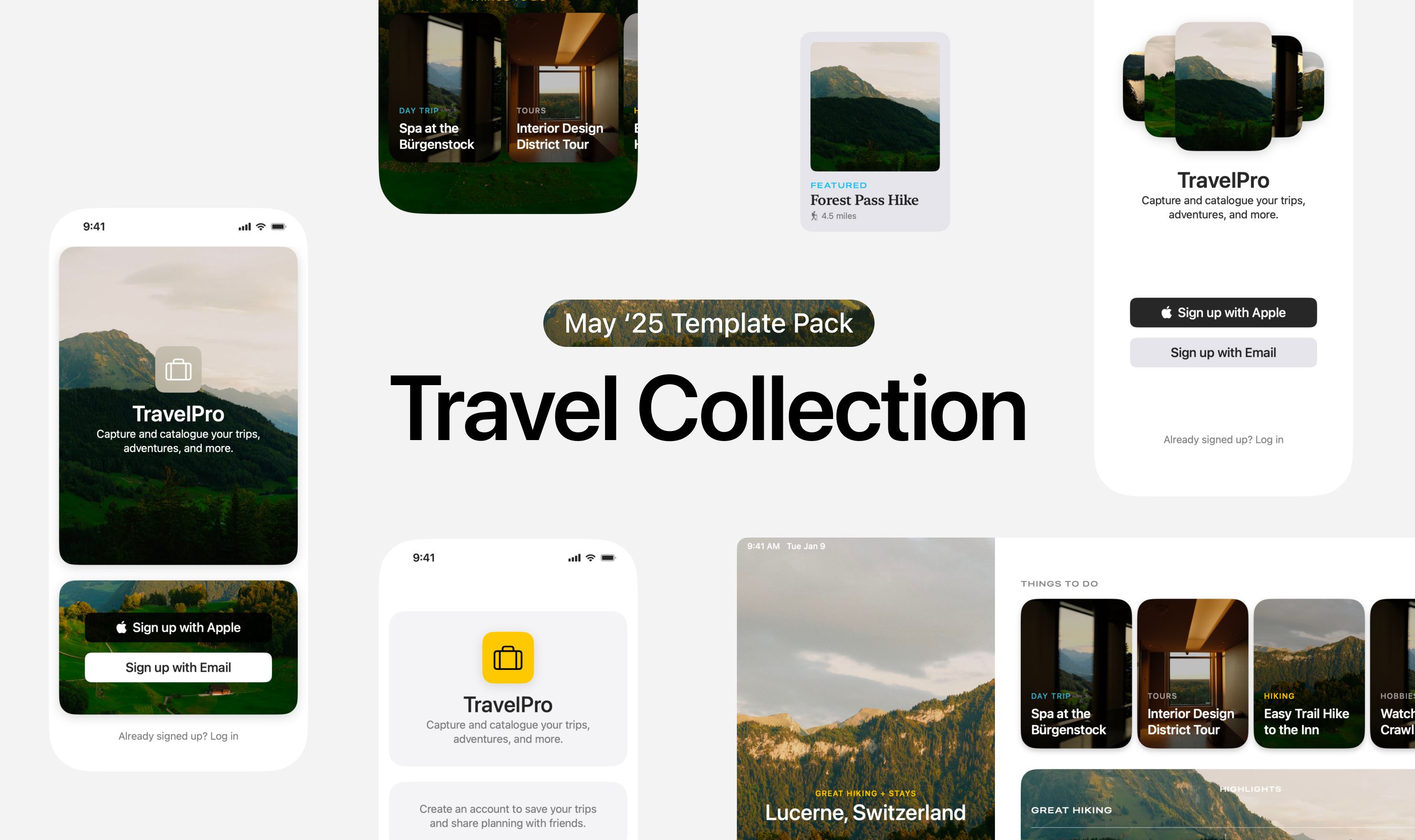
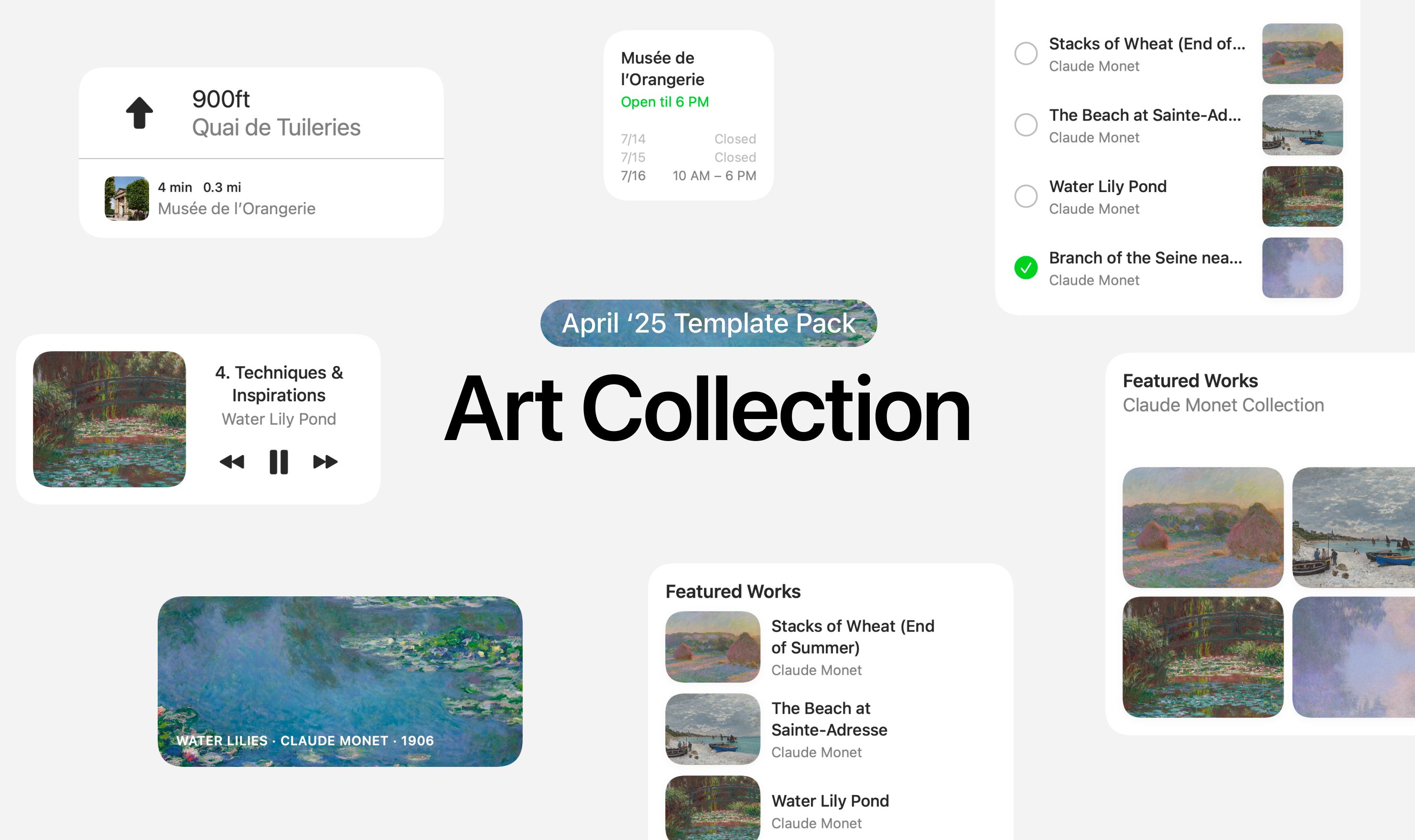
For the fall launch, DetailsPro will have new templates that highlight the new designs present in the 27 releases. Already, I’ve spotted examples of bolder headline layouts, big text, and wonderful small details.
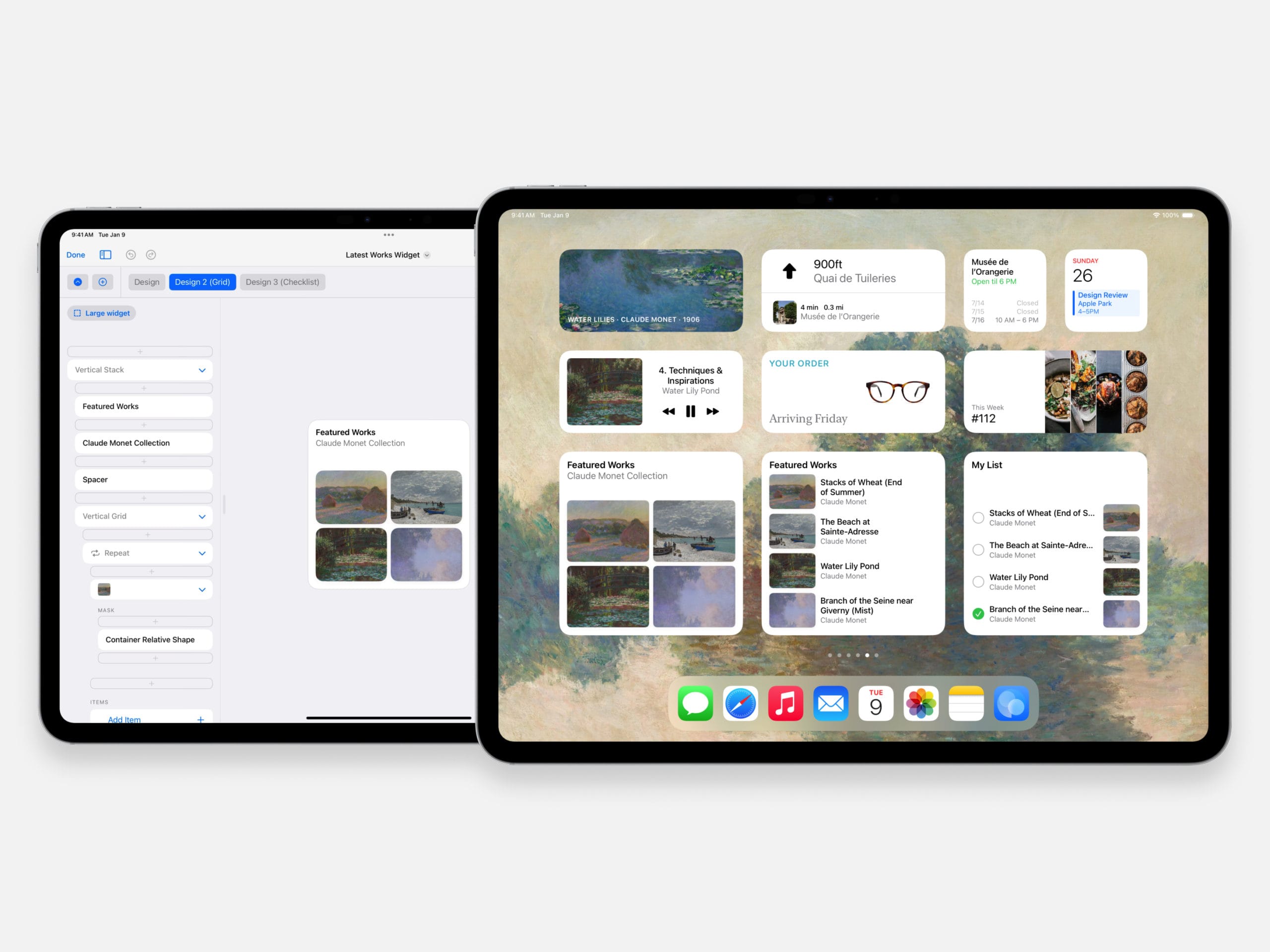
I’m actually working on an overhaul of templates in DetailsPro now, which should release before the end of June. This overhaul is built around a new feature coming to Premium called Design Kits which will let you take any piece of a design and put into a reusable “kit.” With Premium, you’ll also be able to make any design a template and add it to the first screen of DetailsPro for quick access. This overhaul also will make it easier for me to add more templates more easily.
Siri AI + App Intents
This is an area where admittedly I am still exploring what is possible and what the expectations should be. If Siri AI moves towards a more computer use style interaction model, where talking to Siri is a natural way to carry out a whole series of actions on the screen, then I will be eager to annotate and make as much of the main design editor view of DetailsPro readable by Siri.
Other than that, what I’m currently planning for includes making designs in Siri accessible as file exports and code exports so you can ask Siri for the SwiftUI code from one of your designs, to send to a friend, paste into a code editor, and so on. If you have any tips or ideas here, I’d love to hear them.
Liquid Glass
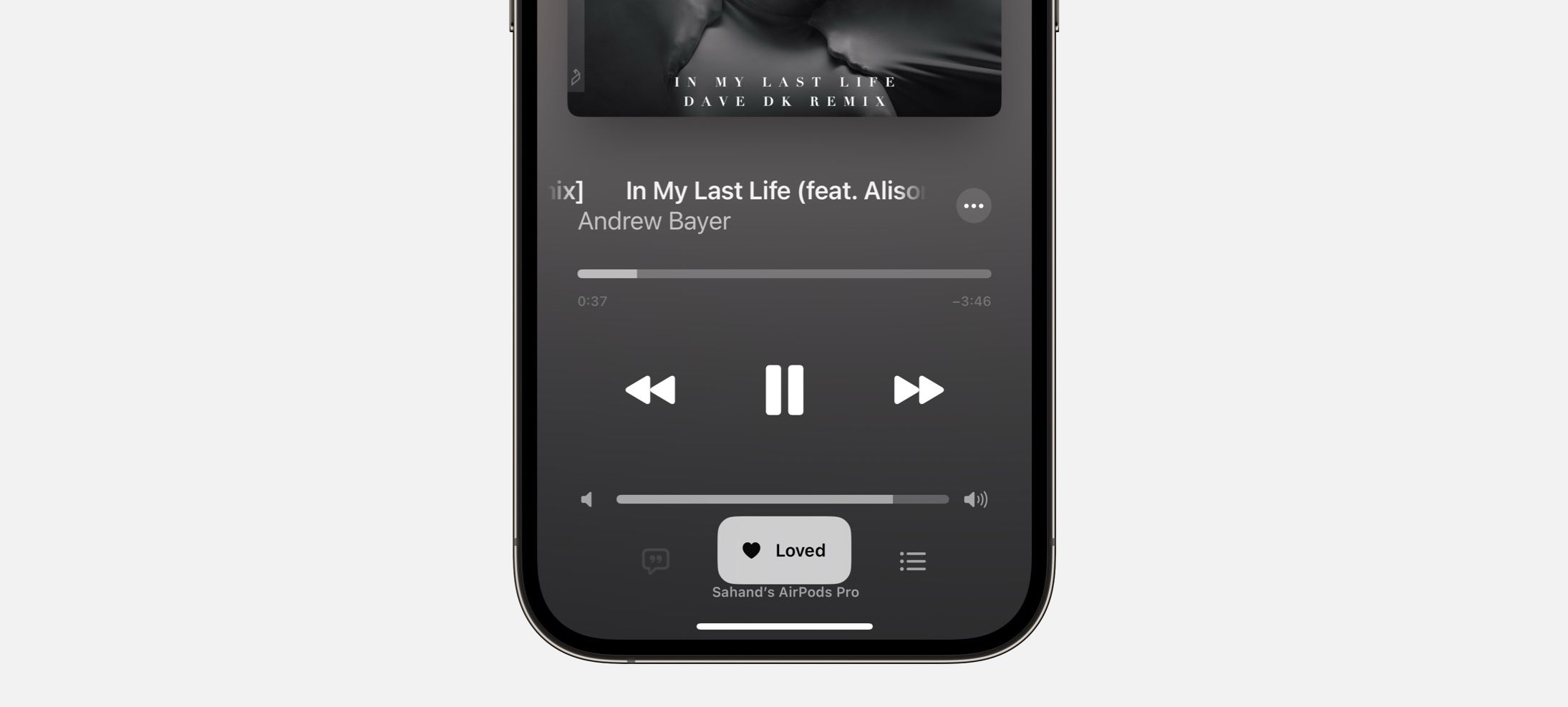
As for the magic of the new Liquid Glass settings, they’ll just work! I’ll be looking to see if there are any new parameters available for Liquid Glass to extend what’s currently in DetailsPro for designing with clear and tinted Glass and with Glass button styles.
Resizable iPhone Use
As many of you may know, the iPhone version of DetailsPro is a version I am particularly proud of. The people who love DetailsPro on iPhone totally get it, and the people who aren’t into it at all don’t get why it exists. The truth is I just think it’s too fun not to have a full SwiftUI design editor in your pocket. It’s also an exquisitely interesting design challenge to make something work on the iPhone like that, so in a way, it’s always been a great influence to have on the general design of DetailsPro itself.
This is a long-winded way to say I am quite excited to explore the new guidelines around size adaptability of iPhone apps and will be surely folding in all sorts of thoughts around this into the app.
New SF Symbols
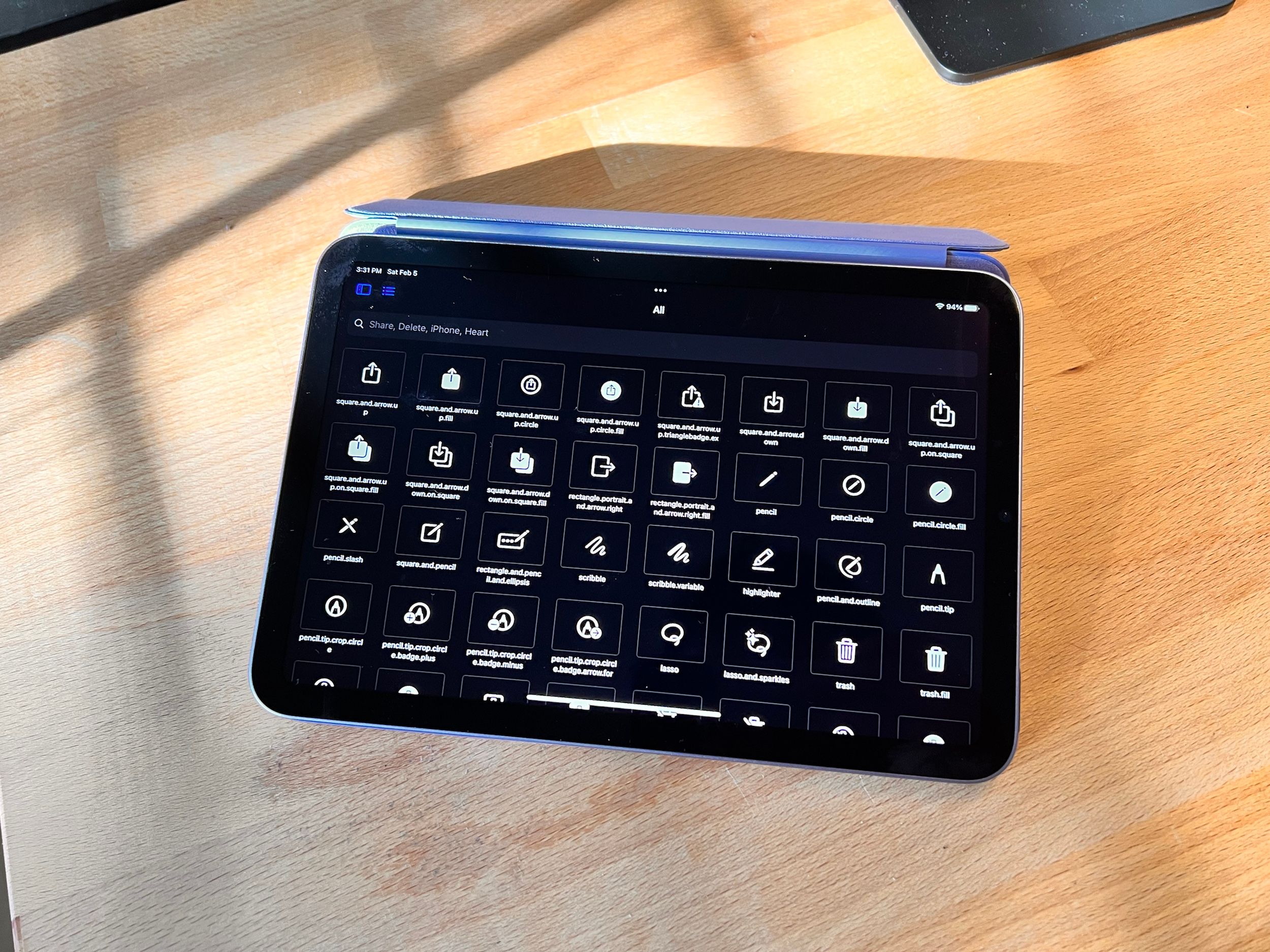
This is always an easy one, but any new SF Symbols will be available at launch on day one.
And surely more!
I’m just getting started on development of DetailsPro 7.0, the iOS 27 and so on version, so I’m sure there is plenty more that I haven’t yet discovered.
Requiring iOS 27
DetailsPro 7.0 will launch with a requirement of the 27 year releases as the minimum required version. I know this can be surprising, but I am a small one-person team and DetailsPro is so innately tied to the latest SwiftUI behaviors, optimizations, and SDK that in the past years when I’ve tried to support N - 1 years, it’s caused DetailsPro quality to suffer. This past year, I have gotten in so many more improvements and releases as a result of focusing on the latest OS. iOS 27 already seems to be quite a well-liked release, so maybe a larger group will make the early jump this year. Either way, I hope you enjoy what is possible for me to put together by making this simplification and have a great time designing for iOS 27 when you do make the jump.